

Press any key or the power button. The computer is just resting its eyes.

Journal

The site that built itself An AI app generator builds you a website in an afternoon. Then comes the day you want to take it with you. The story of a rescue, and of why AI needs a template jig. Luigi Adamo PHOTO19, work in progress: the VPN, a service entrance for remote support Work in progress on PHOTO19: secure remote support through a VPN instead of a port left open on the Internet. How to look after the profile and the keys. Silvano The plugin that stopped updating: renew it or rewrite it to measure? Expired or abandoned paid extensions on a Joomla site: when it pays to rewrite them to measure. A real case: five plugins replaced in three days. Silvano The cookie banner: compliant, and without covering half the site Cookie banners: why “by continuing to browse you accept” is no longer enough, how to treat Reject and Accept and which scripts to block before consent. Silvano Seven hundred product pages without making anything up: the two-source method Rewriting hundreds of product pages with AI without inventing data: the official source, the two-source rule, bulk fixes with a dry run and a backup. Silvano A fifteen-year-old website: what to throw out before the move Renovating a years-old website: dead widgets, defunct feeds, Flash videos, hidden spam links and endless logs. What to remove and what to keep: the URLs. Silvano An AI agent on the server: five rules for not breaking anything Working with an AI agent on live servers and sites: least privilege, backups, test copies, checks and a logbook. The rules we use every day. Silvano Joomla 3 in 2026: the site throws a 500 error, and how to resurrect it Joomla 3 site showing a 500 error after a PHP update? Why it happens and the ways out: old PHP, Joomla 4 and 5, or migration to Joomla 6. Silvano Moving an online shop without Google losing your address Migrating an online shop without losing rankings: URL inventory, a 301 and 410 redirect map, a frozen catalogue and checks after go-live. Silvano Your slow PC is innocent (almost always): the technician's checklist Before buying a new computer: hard disk and SSD, startup programs, updates, double antivirus and RAM. A technician's checklist. Silvano Backups and the 3-2-1 rule: how to sleep soundly if you run a business The 3-2-1 backup rule explained simply: three copies, two different media, one off-site. Plus automation, monitoring and restore tests. Silvano AI in the workshop: three practical uses (and an apprentice to double-check) Three practical uses of artificial intelligence for shops and small businesses: product pages, translations, customer replies. With the limits to know. Silvano

Journal

An AI agent on the server: five rules for not breaking anything

Silvano De Poli Silvano

An AI agent on the server: five rules for not breaking anything

Working with an AI agent on live servers and sites: least privilege, backups, test copies, checks and a logbook. The rules we use every day.
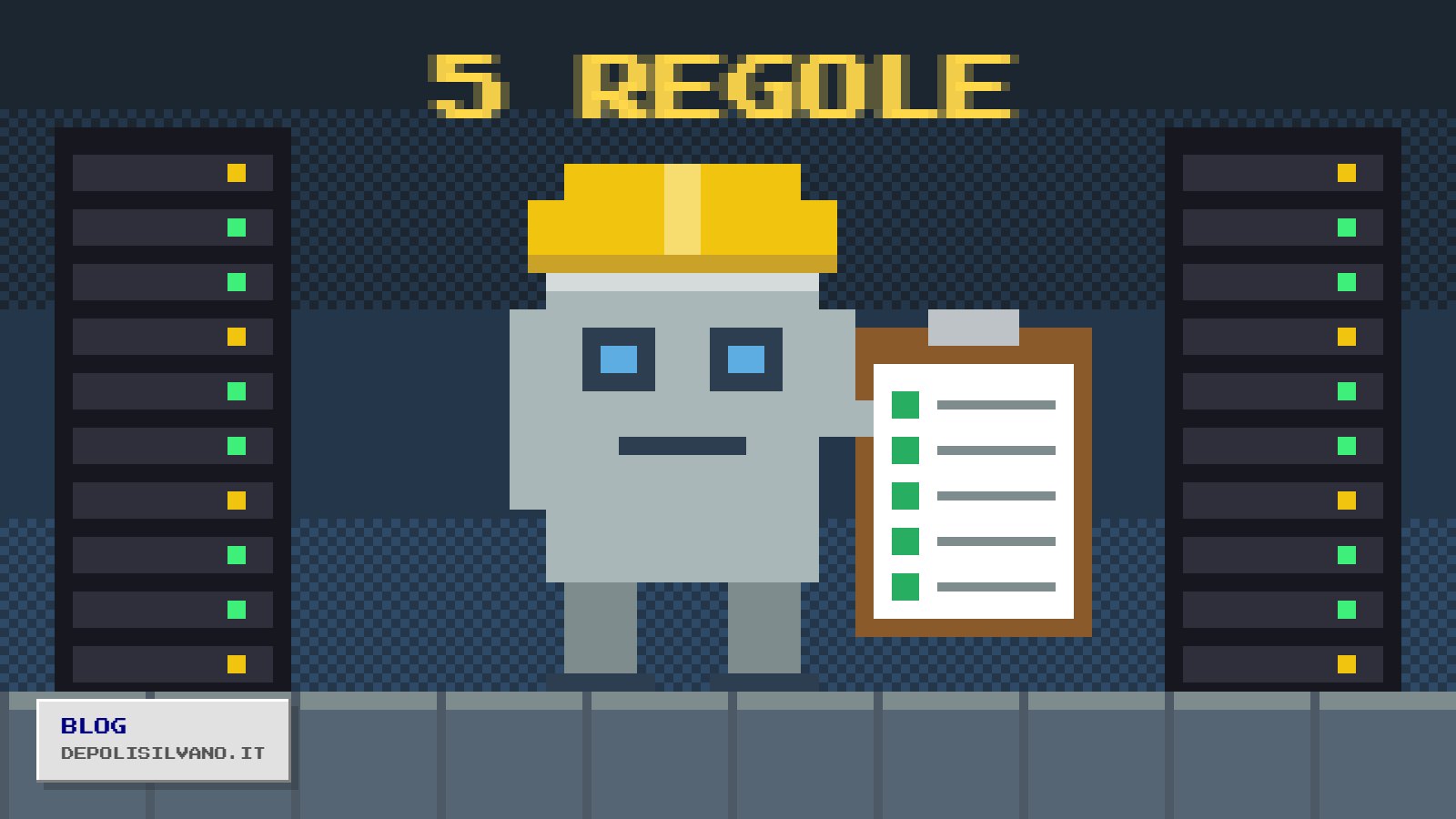
These days a good part of my server work is done together with an AI agent: it reads the logs, writes the scripts, checks hundreds of pages in a few minutes. It's a huge accelerator. But a fast agent on a live site is like a newly qualified driver in a supercar: the talent is there, what's needed is rules.

Meanwhile, in the server room, the fans hold their breath.

1. Least privilege

The agent works with a user that can do only what's needed. Read access where reading is enough, write access only through specific commands, listed one by one in the server configuration. If something needs the administrator password, it stops and asks a human. It isn't mistrust: I don't have the keys to every flat in the building either, and I live perfectly well.

2. Backup before touching

Before editing a file, a dated copy is saved. Before working on the database, a dump. Always, even for “a tiny change”. The tiny change is the most dangerous species in the ecosystem: small, likeable, and perfectly capable of knocking a site out at six o'clock on a Friday afternoon.

3. Test copy

Big operations, like migrations and upgrades, are tried on an isolated copy, with a separate database and no impact on the public site. It's the flight simulator: you can crash as many times as you need, and nobody has to fill in any forms.

4. Read before you write

  • Always download the current version of the file from the server before editing it: local copies go off like milk, but without the smell to warn you.
  • Complex commands are written into a script, reread, and only then run.
  • No destructive operations without explicit confirmation. “Are you sure?” is the most underrated question in computing.

5. Check and write everything down

After every change: page response codes, error logs, a test in the browser. And at the end a logbook of what was done, so the next session, human or AI, picks up from there. I fill it in with the gravity of a starship captain. All that's missing is the stardate, but I'm working on it.

The ideal colleague

Every now and then some industry prophet announces from the stage that soon agents will do everything on their own, unsupervised, “because the future doesn't ask for permission”. My server, on the other hand, asks for permission all right. And that's exactly why it's still switched on.

With these rules the agent isn't a risk: it's the fastest colleague I've ever had, and one of the tidiest. It doesn't drink coffee, doesn't complain about the heating and has never said “works on my machine”. So far.

This article was first published on depolisilvano.it, Silvano De Poli's blog.

Silvano

depolisilvano.it